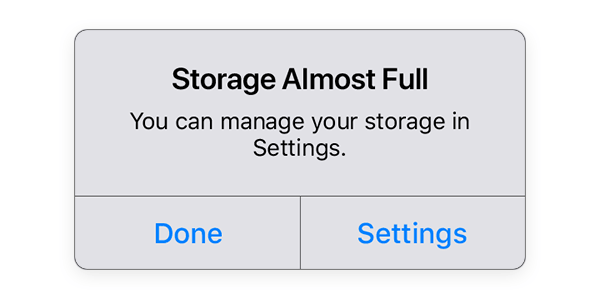
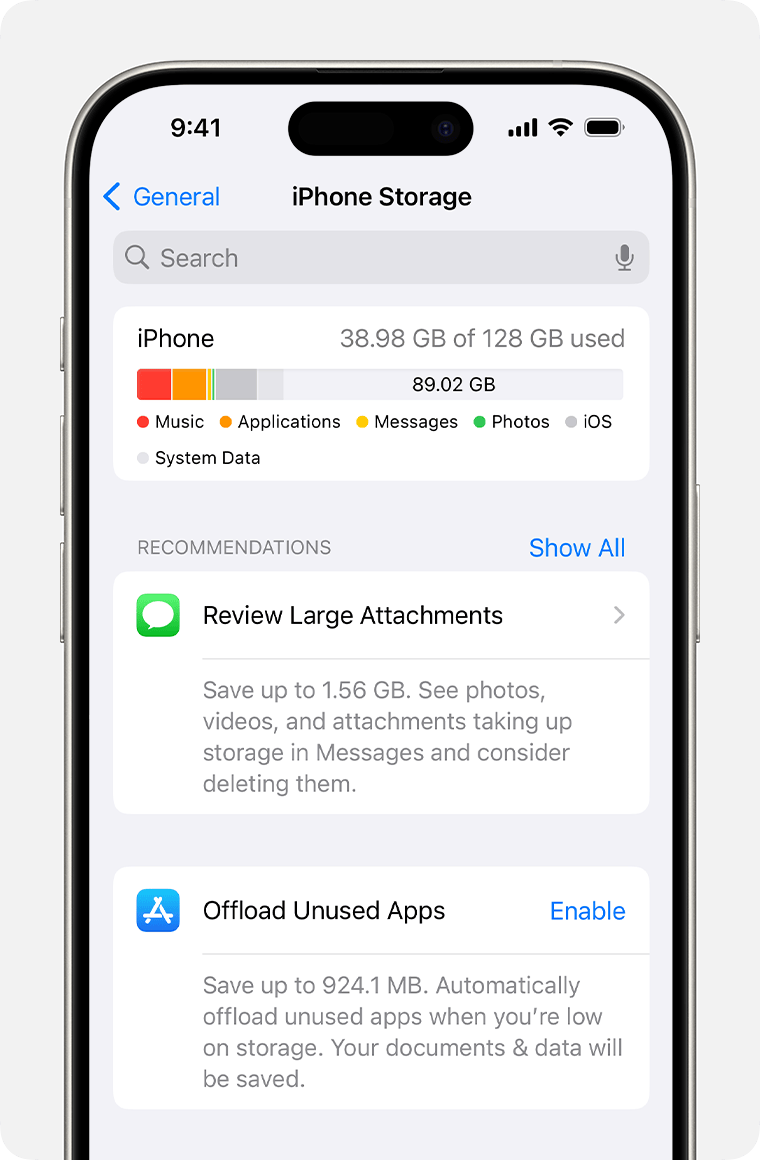
and tap on an app to see how much storage it is using. If you no longer need the app, you can delete it by tapping "Delete App" and confirming the action.
Remove unused or unnecessary data:
Go to
Settings
General
iPhone Storage
and tap on "Offload Unused Apps" or "Review Large Attachments" to delete unused apps or large attachments.
Clear your browsing history and data:
Go to
Settings
Safari
and tap "Clear History and Website Data".
Enable iCloud Photo Library:
Go to
Settings
Photos
and turn on iCloud Photo Library. This will allow you to store your photos and videos in iCloud and free up space on your iPhone.